
Google Play Store
Google Play Store is Google's digital distribution platform for Android, used to find, install and update apps, games and books.
101.1 MB

2.2.2 · André Freire Ferreira · Page updated
Update Me is a small Android tool by André Freire Ferreira that helps you check whether newer versions of your installed apps are available.
Average 0.0 · ratings: 0
Thank you! Your rating is saved; you can change it. Could not save the rating. Please try again later. Too many ratings from your network today. Please try again tomorrow. The average appears after 5 ratings.
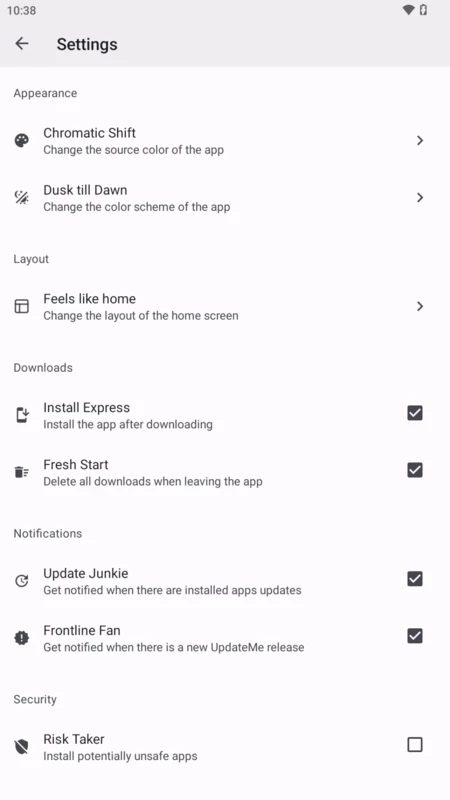
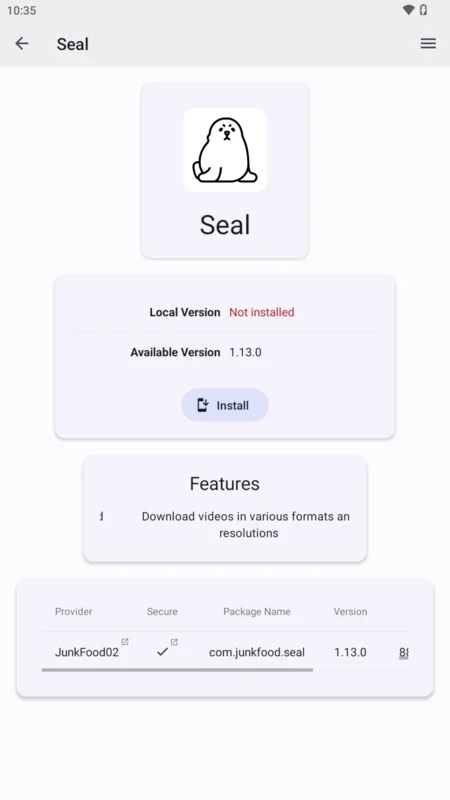
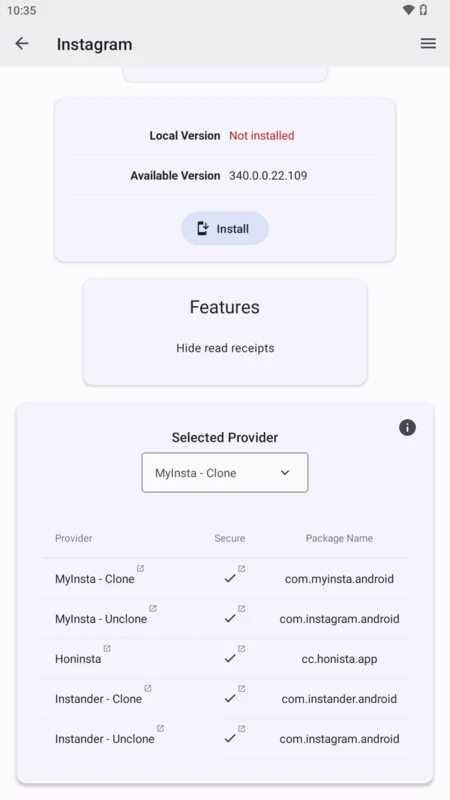
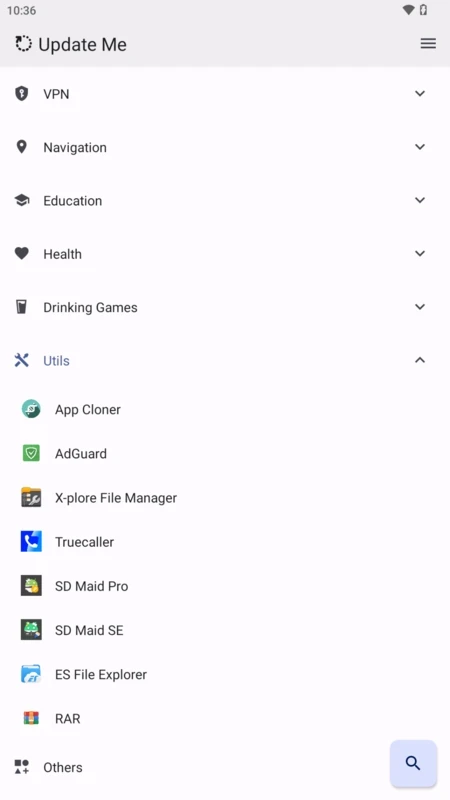
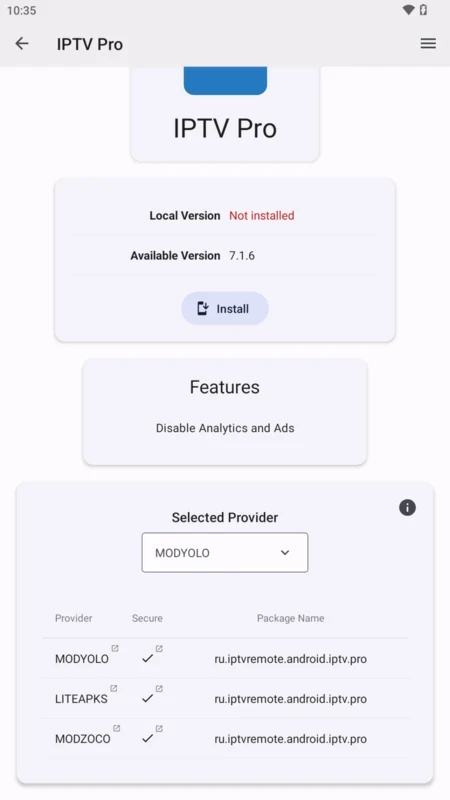
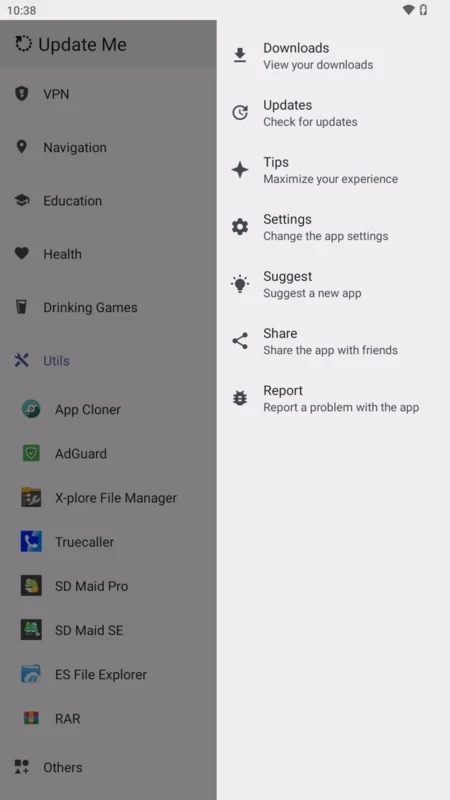
Update Me 2.2.2 is a small Android tool by developer André Freire Ferreira. As the name suggests, it is meant to help you keep track of updates for the apps on your phone, which is especially useful for apps installed outside Google Play. The app is free; our data contains no official store link or website, so choose carefully where you download Update Me for Android.
Google Play updates the apps it installed, but apps from other sources, such as a developer's website, GitHub or another store, are often forgotten. Outdated apps miss bug fixes and security patches. A checker lists your apps and shows which may have newer versions, so you can update them from their original source.
Search for Update Me in your phone's official app store and check the developer name, André Freire Ferreira. Avoid APK copies from unknown sites: a tool that lists your installed apps and may help install updates needs to be trustworthy itself.
To see which apps are installed, it needs permission to query installed packages. If it helps install updates, Android will ask you to allow installation from that app. Grant only what the features you use require, and revoke install permission when you are done.
About 15.43 MB according to catalogue data.
Some developers publish updates in stages or only in certain regions, and some stores lag behind the developer's own releases. Check the app's official page for the current version. If the only newer copy you can find is on a mirror site, wait for the official channel instead.
Mostly yes, especially for browsers, messengers and banking apps. For apps you rely on for work, read the release notes first, since new versions sometimes change features. Always update from the original source, never from mirrors offering "modded" versions.
| Item | Details |
|---|---|
| Version | 2.2.2 |
| Developer | André Freire Ferreira |
| Platform | Android |
| Licence | free |
Aurora Store in our listings is an open-source client for Google Play that also handles updates. APKPure, Aptoide and Uptodown App Store manage updates for apps installed through them.
Google Play Store is Google's digital distribution platform for Android, used to find, install and update apps, games and books.

APKPure is a third-party app marketplace for Android that installs apps from APK files outside Google Play. This page covers version 3.20.7803.

Aptoide is an open-source alternative app store for Android, running since 2009. This page covers version 9.22.5.3.

QuickShortcutMaker is a small Android tool for creating home screen shortcuts to specific screens of installed apps, including hidden settings.